Go into Manufacturing Module.
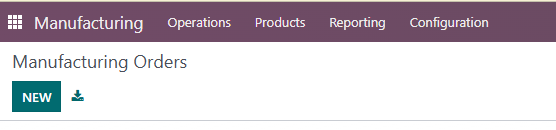
Go on New
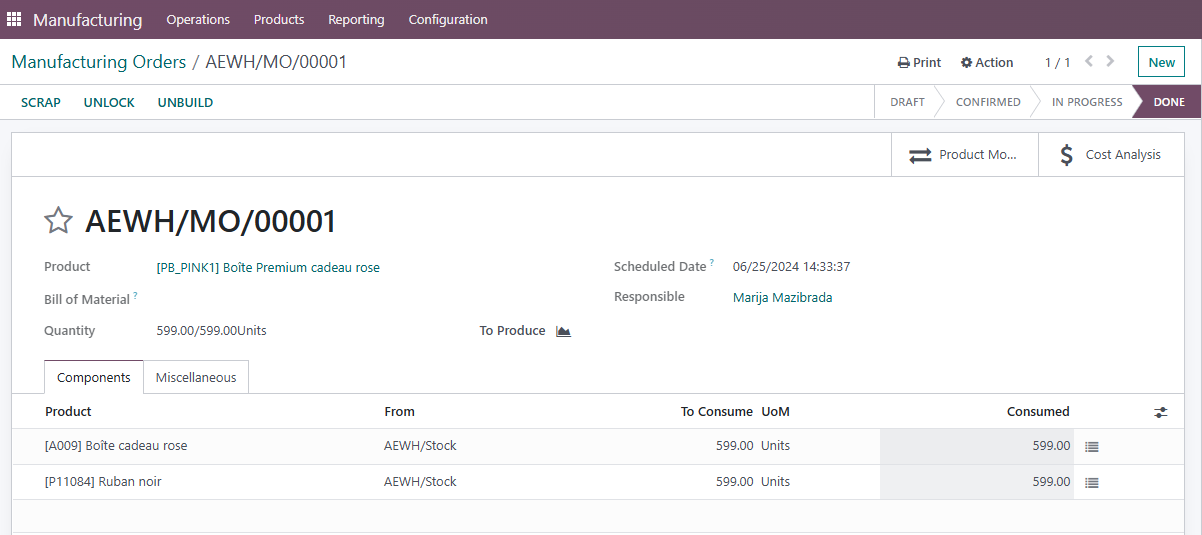
In "Product" field you put the code for bundle product, in field Quantity you put the quantity of the product you are creating, and in Components, Product - you put code of the products you are creating bundle from, and set also the same qty for them.
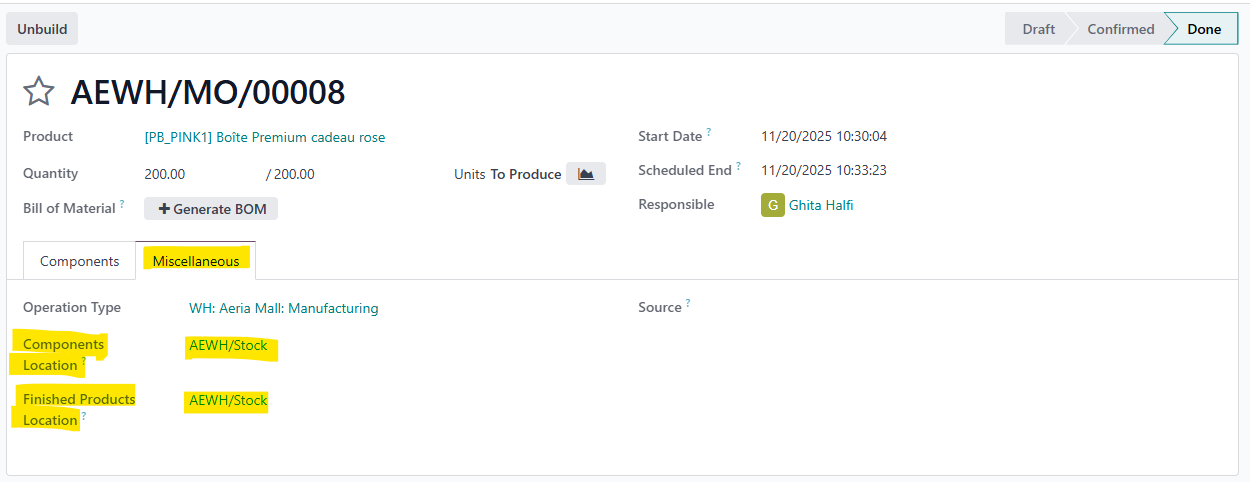
For changing a location depending on the store for which you are doing manufacturing order go to
Miscellaneous
Click CONFIRM and then PRODUCE.
Was this article helpful?
That’s Great!
Thank you for your feedback
Sorry! We couldn't be helpful
Thank you for your feedback
Feedback sent
We appreciate your effort and will try to fix the article