To create an internal transfer with more products using excel sheet, please do the following:
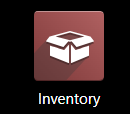
1. Enter the "Inventory" Module
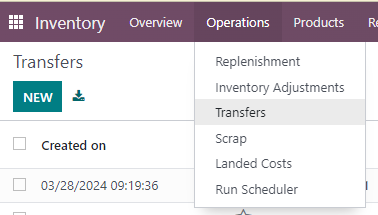
2. Go to "Operations" - "Transfers" in the meny
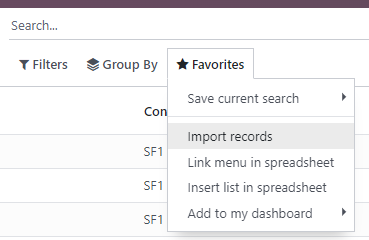
3. Go to "Favorites" - "Import records"
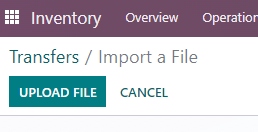
4. Click "Upload file" and select your prepared transfer file.
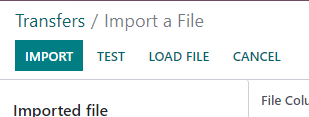
5. Click on "Import". This will create the transfer with all the products in "Draft" status.
6. Please check if you have all the products and if the chosen warehouses and operation types are correct. Operation should be "Warehouse name + Internal transfers" and Source and Destination locations are the names of warehauses (from and to) / Stock.
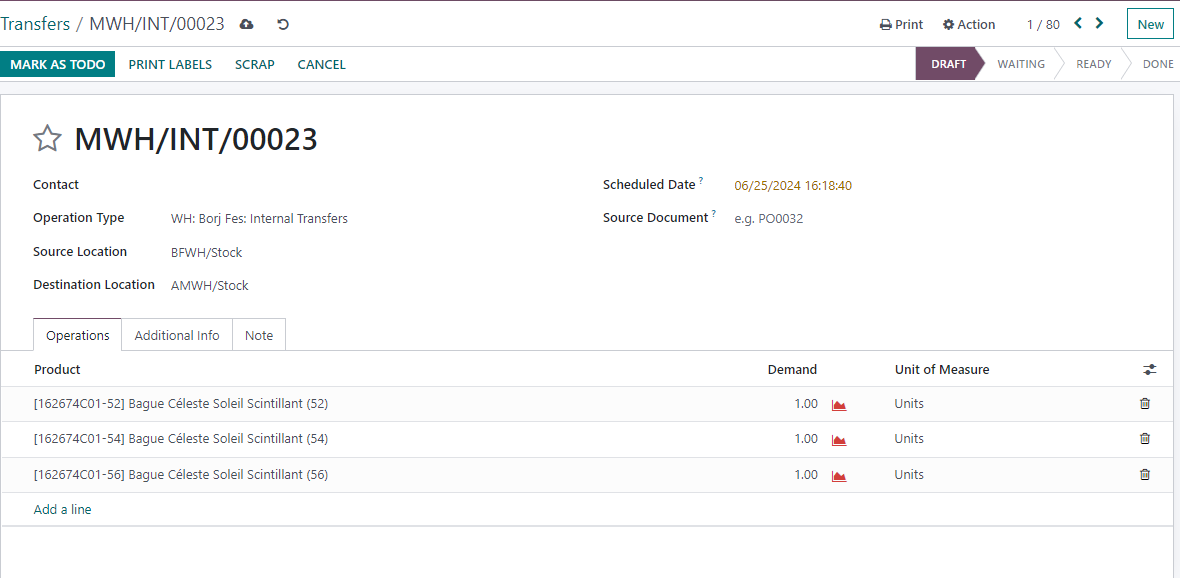
7. If everything is correct, click "Mark as todo"
8. Go to, "Set quantities", and then "Validate"
You can find the template for transfer attached.
Was this article helpful?
That’s Great!
Thank you for your feedback
Sorry! We couldn't be helpful
Thank you for your feedback
Feedback sent
We appreciate your effort and will try to fix the article