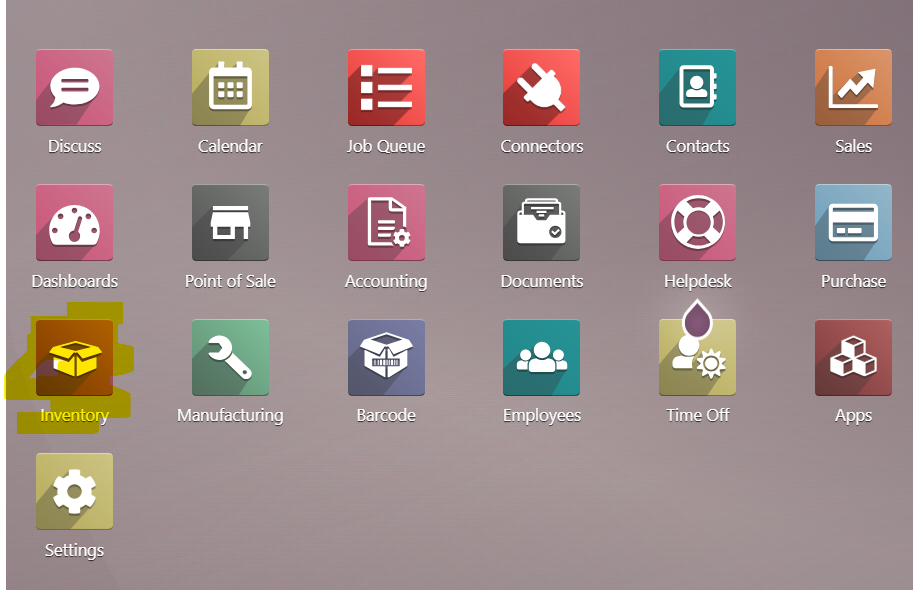
Go to Odoo - Inventory module
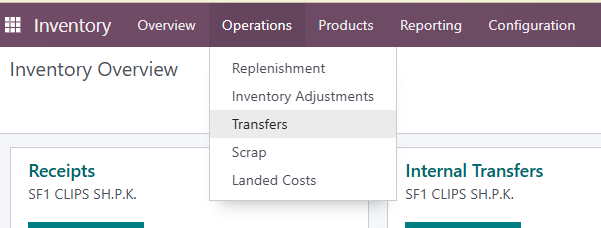
Go to Operations - Transfers
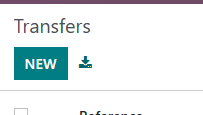
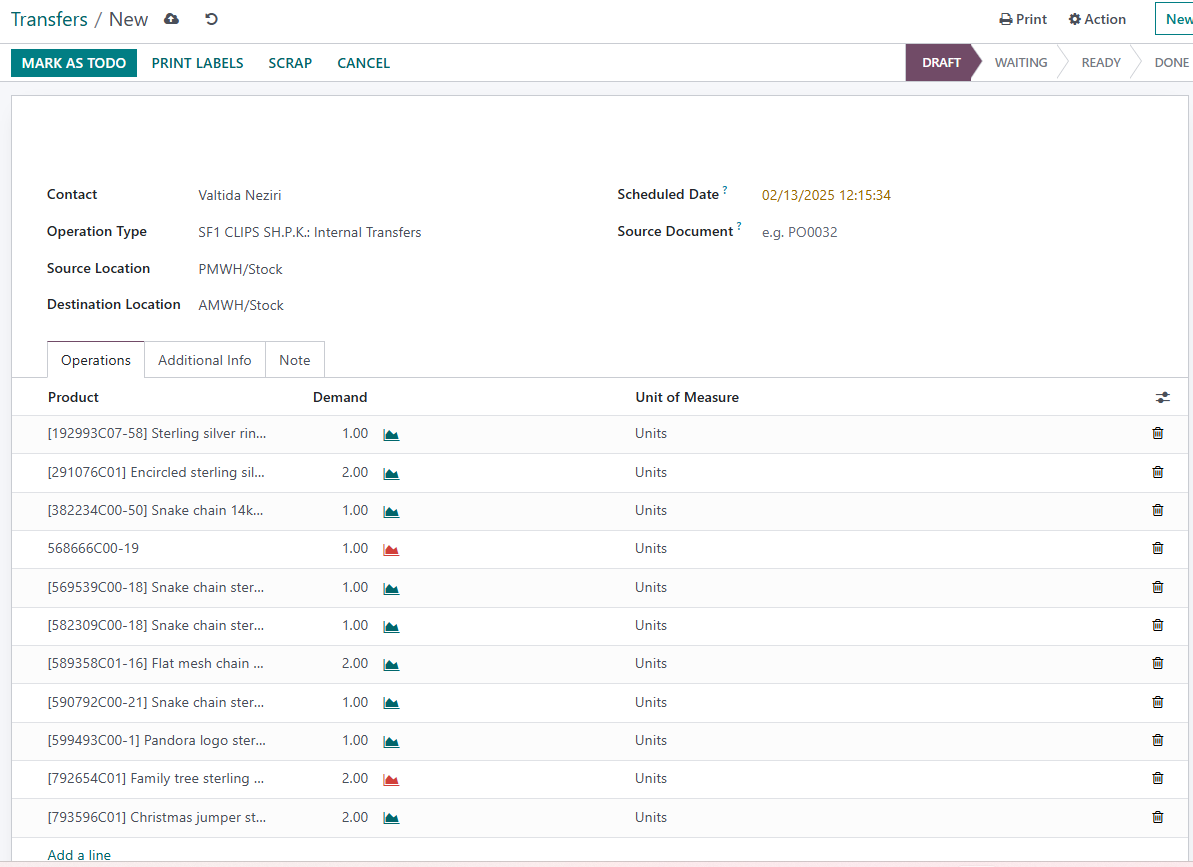
Go to NEW in the upper left corner
- Enter Contact (person who is making a document)
- Operation Type is SF1 CLIPS S.H.P.K Internal transfers
- Set source location (the store who sends the goods)
- Set destination location (the store who receives the goods)
- Go to Add a line and add all the products you need on this transfer
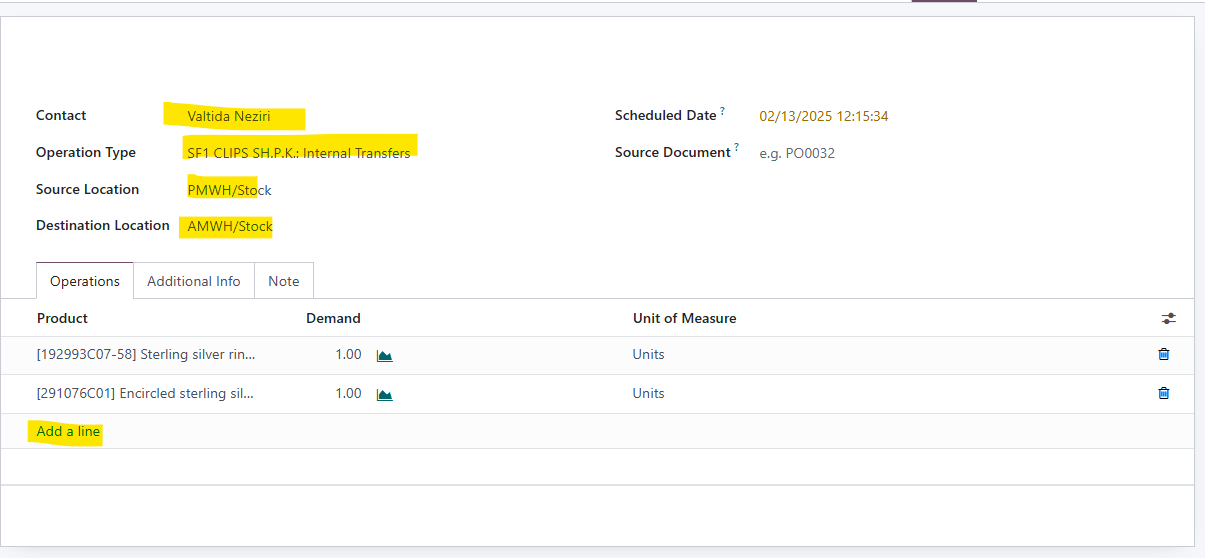
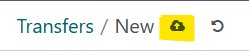
When you finish, check everything and go to Save button (little cloud next to New button)
After that click on MARK AS TODO
Now to to SET QUANTITES

Go to VALIDATE
Was this article helpful?
That’s Great!
Thank you for your feedback
Sorry! We couldn't be helpful
Thank you for your feedback
Feedback sent
We appreciate your effort and will try to fix the article