We only do a returns when we have enough money to do them - when we had more products sold then returned.
For example: total sales for the day is 2000 SAR - we only can do returns in value less then 2000 SAR total.
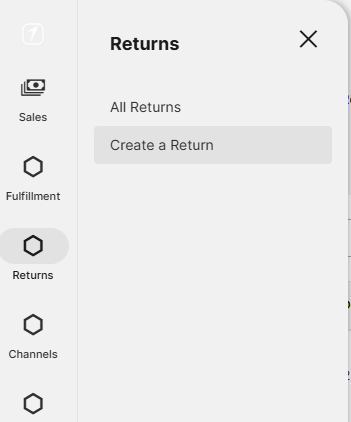
In Shipper go to Returns - Create a Return
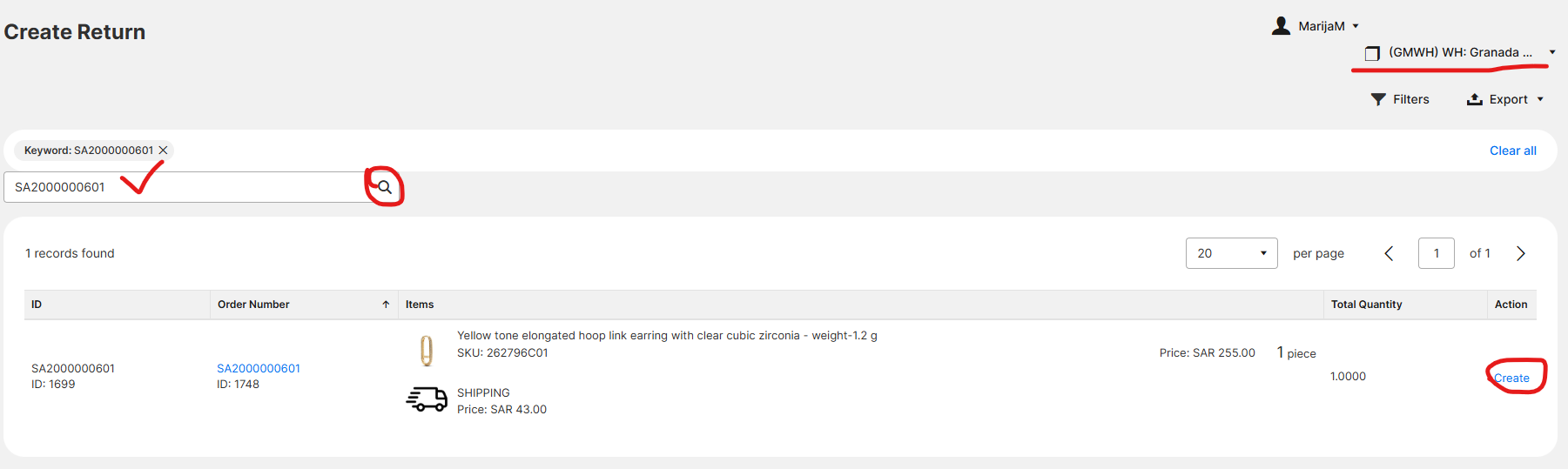
In the search bar enter the full order number and click on magnifying glass.
In the top right corner, warehouse must be set to Granada Mall.
Then, click on Create.
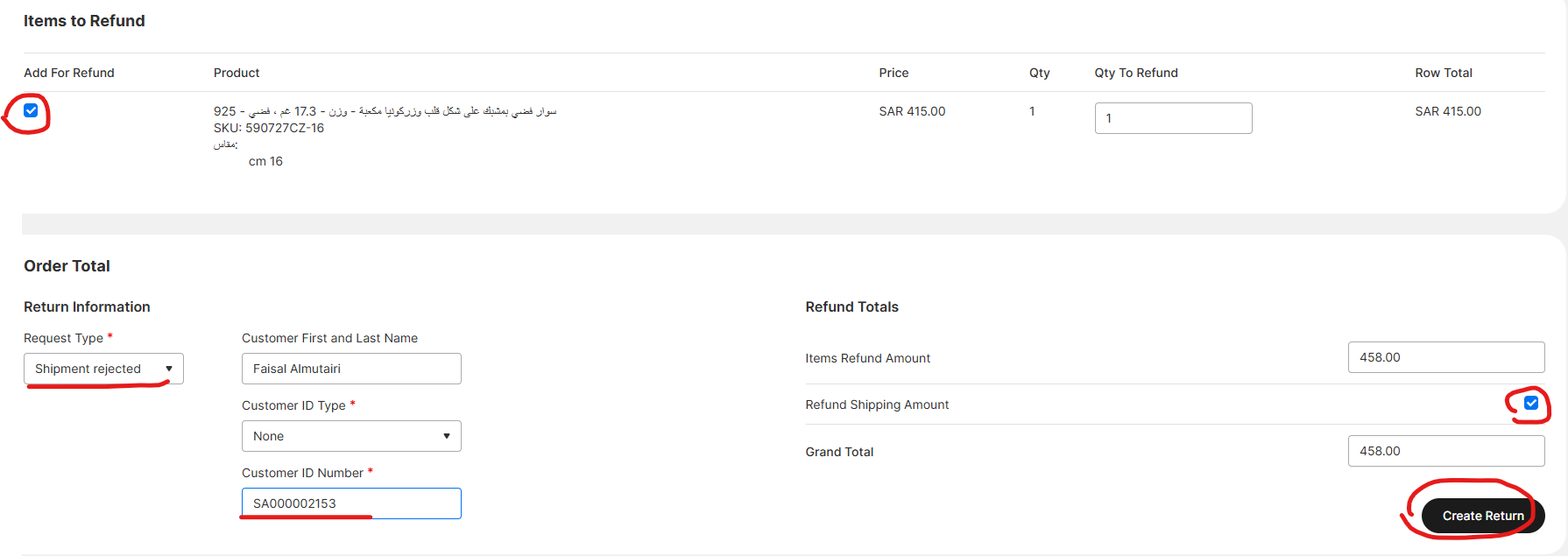
Select only the products that are being returned (checkbox)
Select Return type
In the field Customer ID Number write in order number.
Click the checkbox Refund Shipping Amount.
Co to black button Create Return.
This is it in Shipper.
You also need to process the same return in Odoo.
1. Go to Odoo - Sales - Remove quotations filter (like when you process orders)
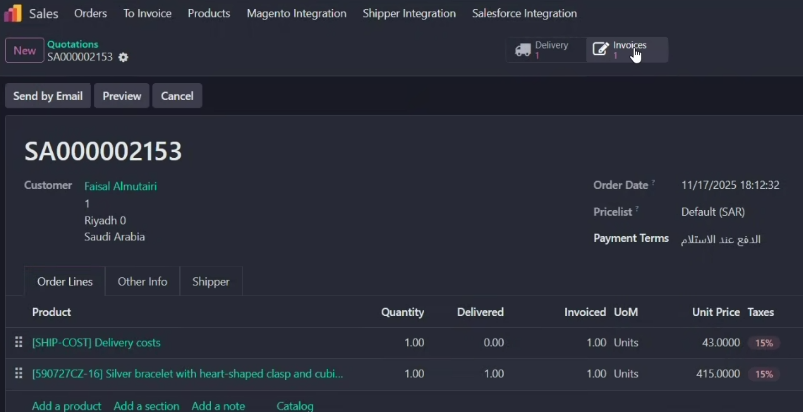
2. In search bar write in the order number and find the order for which you want to do a return

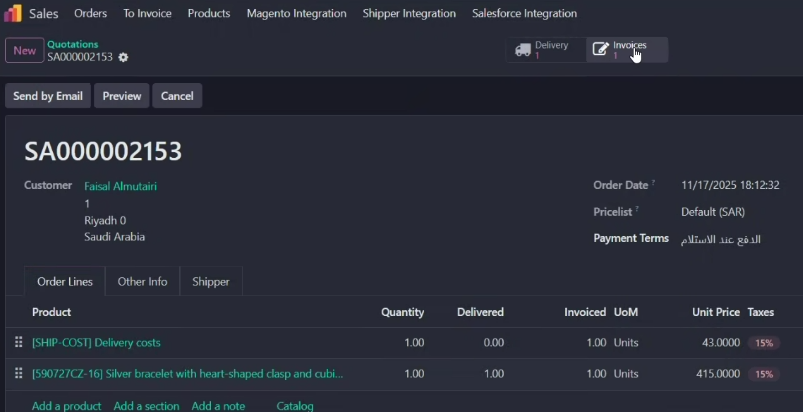
3. Enter the order and select button Invoices
4. Go to Credit Note
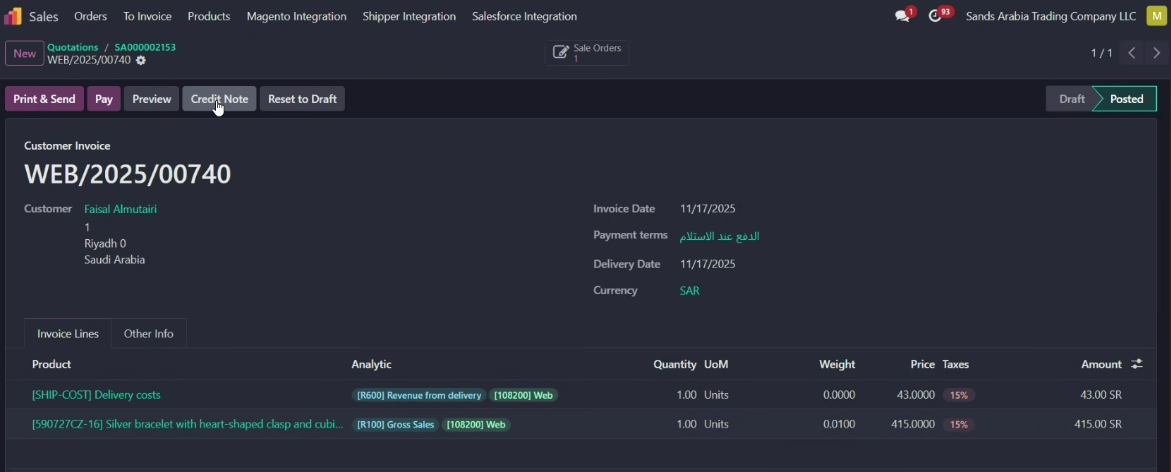
5. In the pop-up window write the reason: Rejected
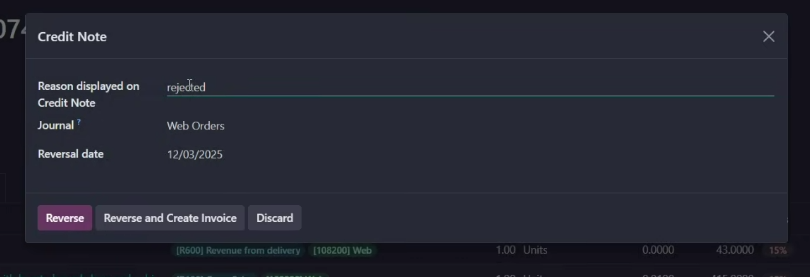
6. This is the return document.
On it, you should have only the returned products.
In this form, leave only the products that are being returned. If some product remained at the customer, delete that product from this document (trash can on the right side of the screen in the product lines).
If needed
When you have on the document only the returned products click
Confirm
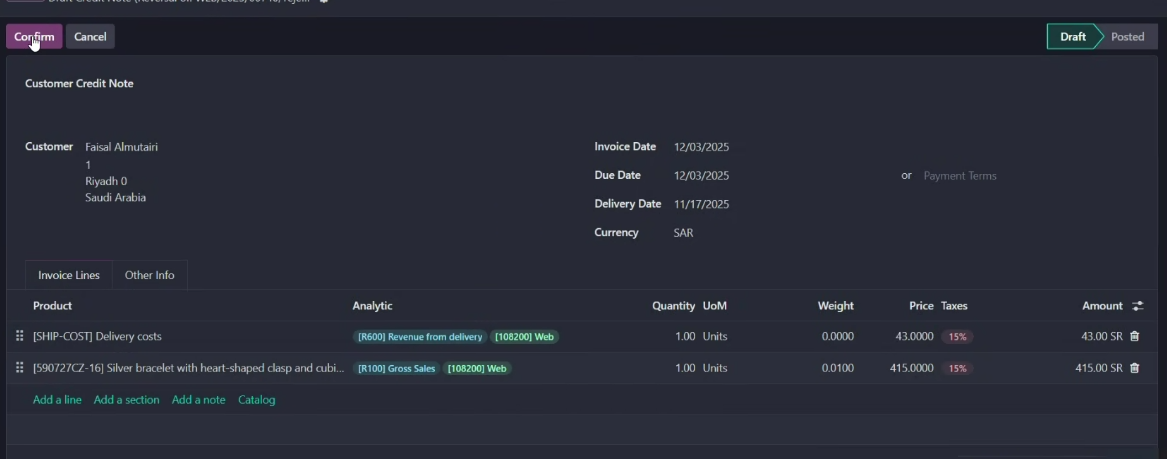
7. Click on order number again
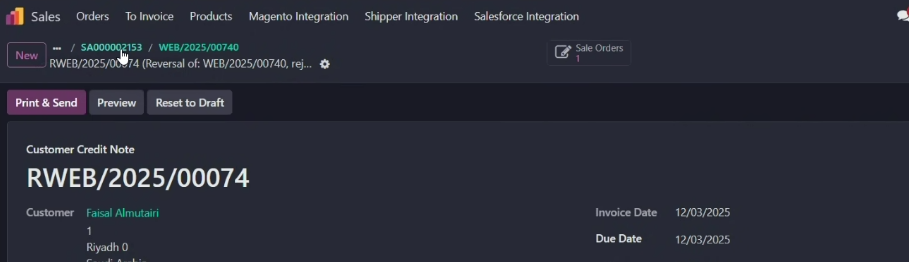
8. When you are back in order, Click on the Delivery button
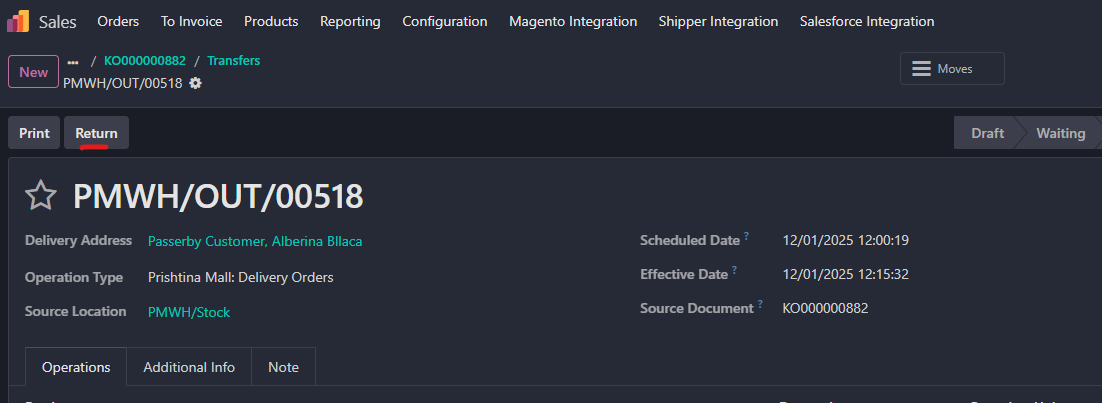
9. Go to Return
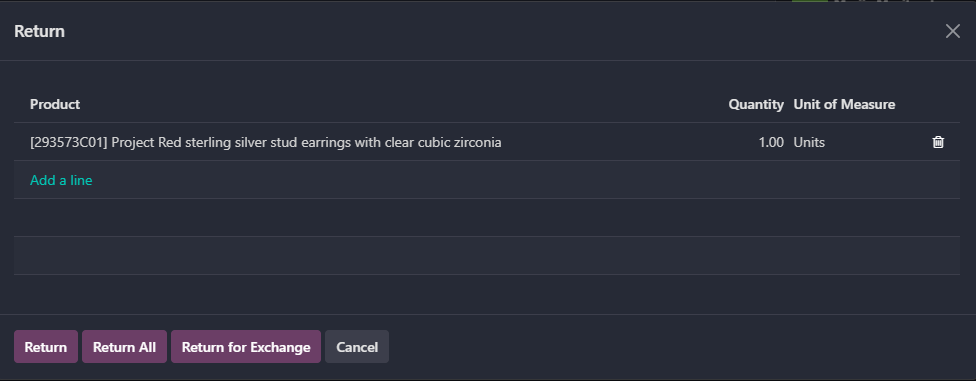
10. In the popup fill in all the Quantities that you are returning and click on Return
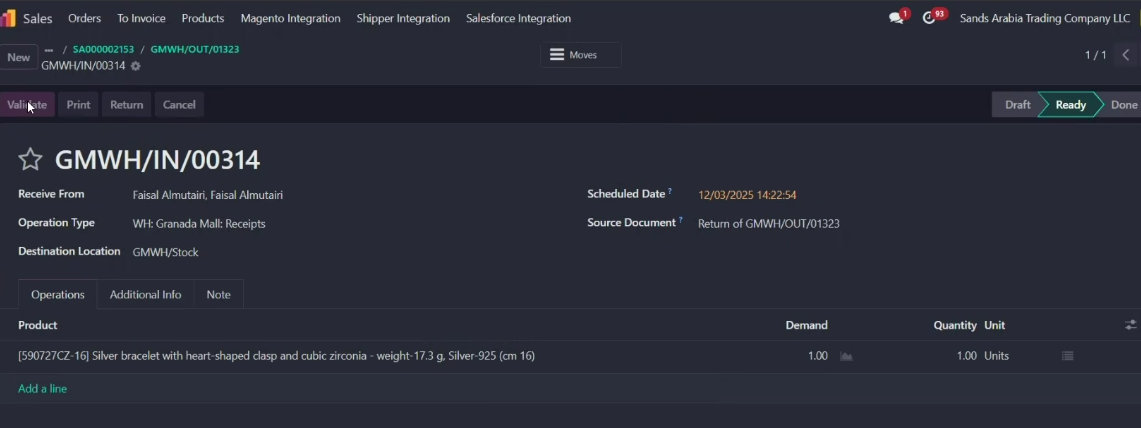
11. A new window will appear, click Validate
Was this article helpful?
That’s Great!
Thank you for your feedback
Sorry! We couldn't be helpful
Thank you for your feedback
Feedback sent
We appreciate your effort and will try to fix the article