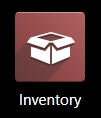
Go to Inventory Module
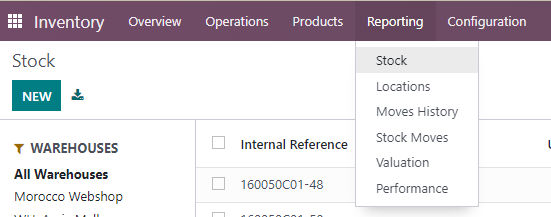
Go to Reporting – Stock
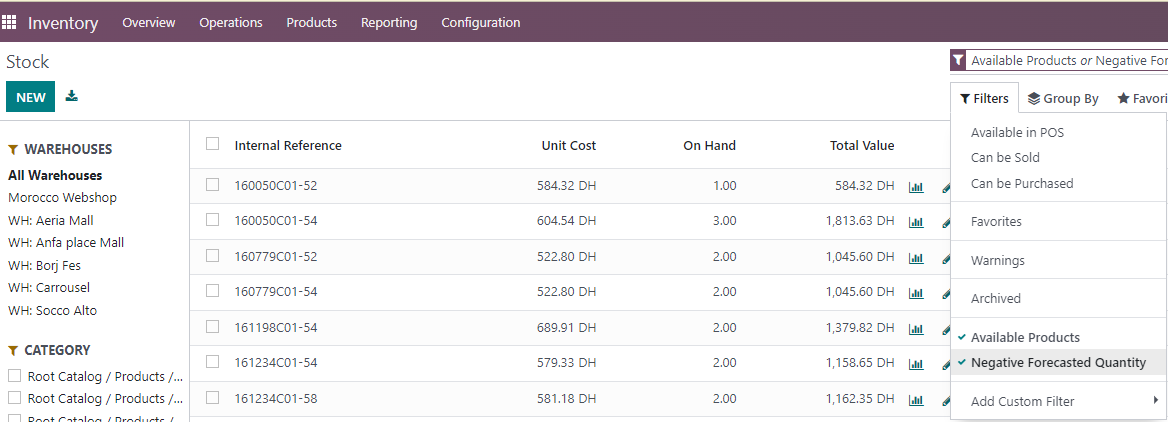
You can filter out the products that we have on stock by clicking on Filters - Available products , or if something is in minus, Negative Forecasted Quantity.
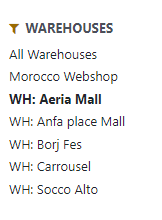
By clicking on specific store, you can see the stock of that store.
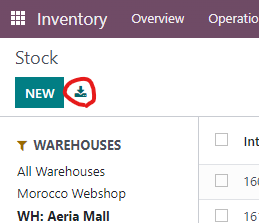
To export Excel, go to Export All button.
Was this article helpful?
That’s Great!
Thank you for your feedback
Sorry! We couldn't be helpful
Thank you for your feedback
Feedback sent
We appreciate your effort and will try to fix the article