Ide se na Magento - Catalog - Products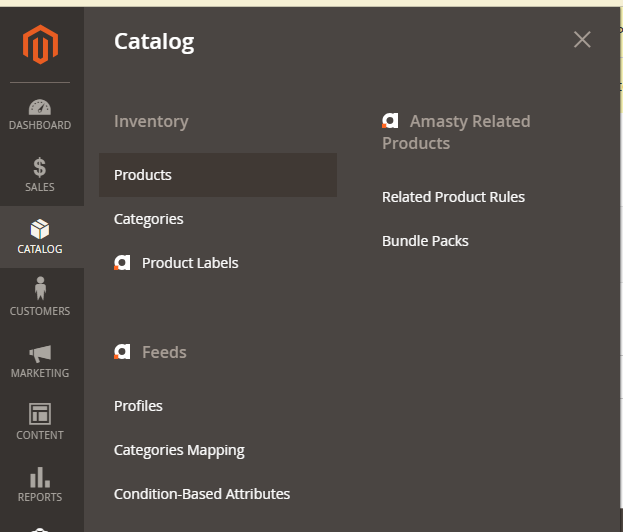
U search kucajte proizvod koji treba da se uključi/isključi, pa enter.
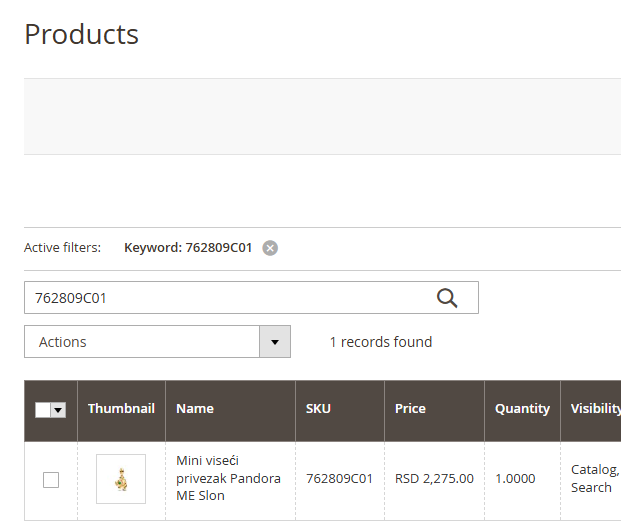
Označite proizvod, idite na Actions - Change status - Disable za isključivanje artikla, Enable za uključivanje.
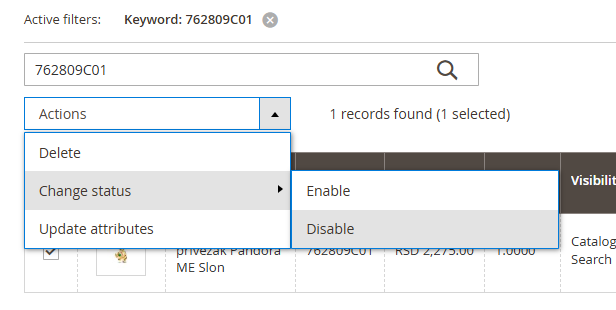
Na samom artiklu se vidi koji mu je trenutni status

Was this article helpful?
That’s Great!
Thank you for your feedback
Sorry! We couldn't be helpful
Thank you for your feedback
Feedback sent
We appreciate your effort and will try to fix the article